To activate Shaderlight:
| • | From the SketchUp Plugins menu, select Plugins->Shaderlight for SketchUp->Activate Shaderlight |
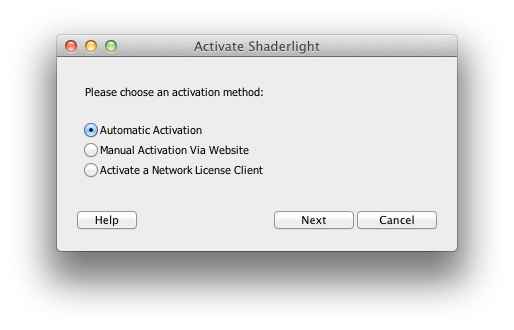
| • | Enter your 16 digit activation code as supplied in an email from ArtVPS |
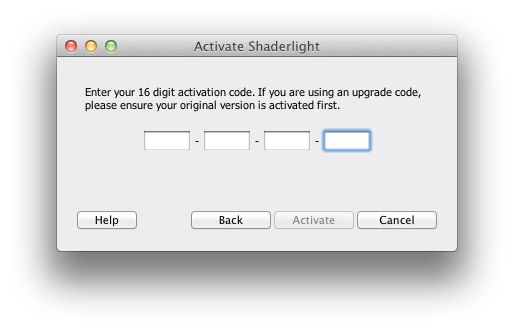
| • | The License Number is checked over the internet and confirmed. |
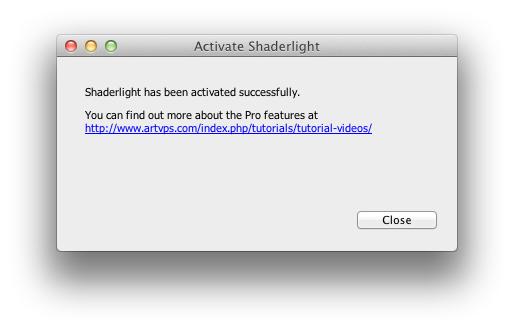
| • | Click Close to complete activation |
If Activation Fails:
| • | Check you have entered the Activation Code correctly |
| • | Check your internet connection. If there is no connection available then you must use Manual Activation on a computer with an internet connection. |
| • | It is possible that a firewall or proxy server may block the automatic licensing, in which case you can use the Manual Activation method with a standard web browser. |
|
Related Topics
Manual Activation
Page url:
https://odeme-yontemleri.jojobet-sitesi.pro/media/appleonlinehelpSU/index.html?automatic_activation.htm


